
Learning Management System (LMS): Expert Buyer’s Checklist
 0
0
 0
0
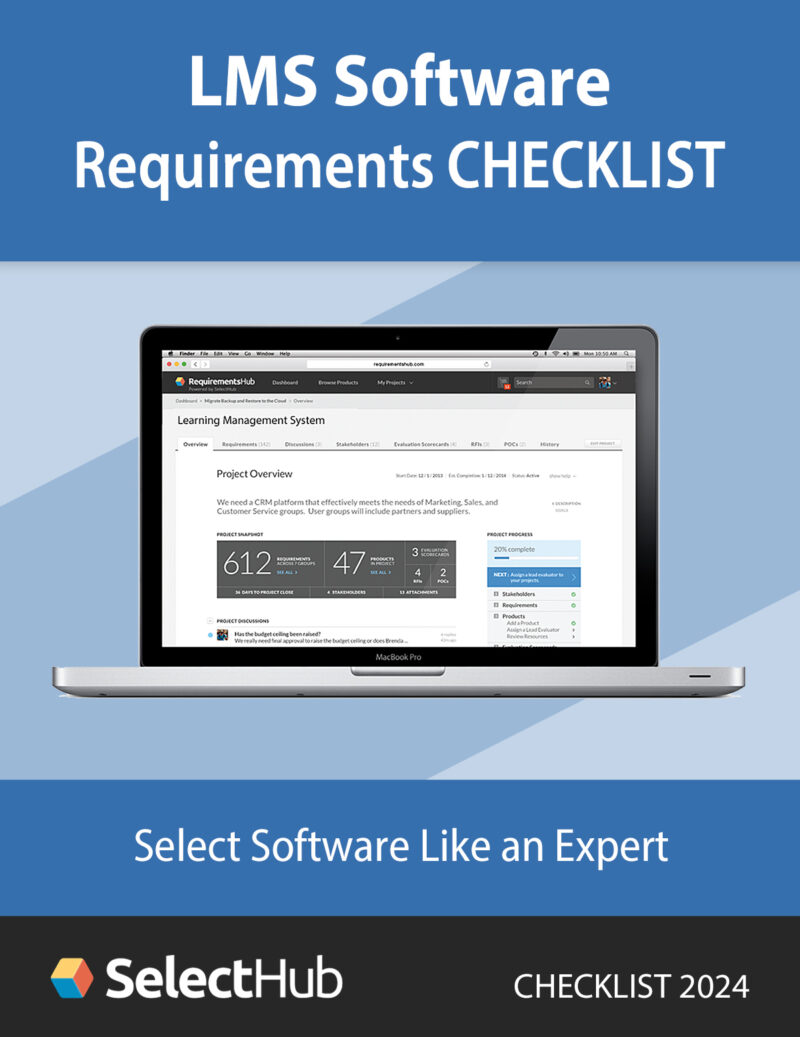
Checklist Preview
Why You Need This Checklist
Selecting an LMS is not just a tech purchase - it's a long-term investment in your organization's learning infrastructure, culture, and outcomes. Many decision makers stumble by focusing on flashy features or pricing, and overlook underlying capabilities that matter most.
This LMS Expert Buyer's Checklist provides a structured framework to:
- Align your LMS evaluation with strategic learning goals
- Ask the right questions to compare platforms meaningfully
- Guard against costly mismatches or missed needs
Use it as your decision-making backbone - before you shortlist vendors or commit budgets.
What You'll Find in the Checklist
The checklist is divided into logical sections so you can systematically evaluate LMS options. Key categories include:
Functional & Learning Features
- Support for SCORM, xAPI, video, quizzes, assignments
- Blended learning, instructor-led, self-paced, microlearning delivery modes
- Social learning, discussion forums, peer learning, communities
- Gamification: badges, points, leaderboards, certificates
- Learning paths, branching logic, adaptive learning
Technical & Integration Capabilities
- API support and pre-built integrations (HRIS, CRM, LMS, analytics tools)
- Single Sign-On (SSO), SAML, OAuth support
- Data export and reporting flexibility
- Mobile responsiveness / native apps
- Cloud vs on-premises architecture
Reporting, Analytics & Compliance
- Dashboards for admin, manager, and learner
- Custom reporting, trend analysis, compliance tracking
- Audit logs, data governance, role-based access controls
- Support for regulatory compliance (GDPR, privacy laws)
Scalability, Performance & Reliability
- Ability to scale with more learners, content, modules
- Performance under load (peak user sessions)
- Infrastructure uptime, backup & disaster recovery
- Multi-tenant or modular design
Usability & Experience
- Intuitive interfaces for learners and admins
- Easy content creation, editing, reuse
- Branding and customization (look & feel, domain, UI)
- Onboarding, training resources, user support
Vendor & Support Considerations
- Vendor reputation, client references, case studies
- Implementation support, training, change management
- SLAs, technical support channels, response times
- Roadmap transparency, product updates, partnership mindset
How to Use This Checklist for Maximum Impact
Customize for Your Priorities
Weight checklist items based on what matters most to your organization (e.g. compliance, mobile first, integrations).
Score Vendor Responses Objectively
Use consistent scoring (1–5 or Yes/No) per item to compare platforms quantitatively.
Request Evidence, Not Just Claims
Ask vendors to show you working demos, performance data, or customer references for each critical feature.
Use It in Demo Evaluation
Keep the checklist in hand during demos to check off how vendors perform in real time.
Iterate Post-Selection
After implementation, revisit the checklist periodically to audit your LMS against evolving needs.
Who Will Benefit from This Checklist
L&D / Training Managers
Evaluating new LMS systems
HR Leaders & Executives
Assessing learning investments
IT / Systems Teams
Validating technical fit and integrations
Learning Strategists & Consultants
Guiding LMS selection
Organizations
Transitioning from legacy LMS tools
If you're in any stage of selecting-or rethinking-your LMS, this checklist will help prevent missteps and align your vendor decision with real requirements.
Download the Buyer's Checklist Now
Simply fill out the form on this page to instantly download the LMS Expert Buyer's Checklist (PDF).
Use it to compare leading LMS platforms like Moodle, Docebo, TalentLMS, Absorb, and more - side by side.
Get your checklist now and make your LMS decision smarter, clearer, and more strategic.


